Download Scape for Mac
On a Mac, your download will begin automatically. You can also download Scape manually
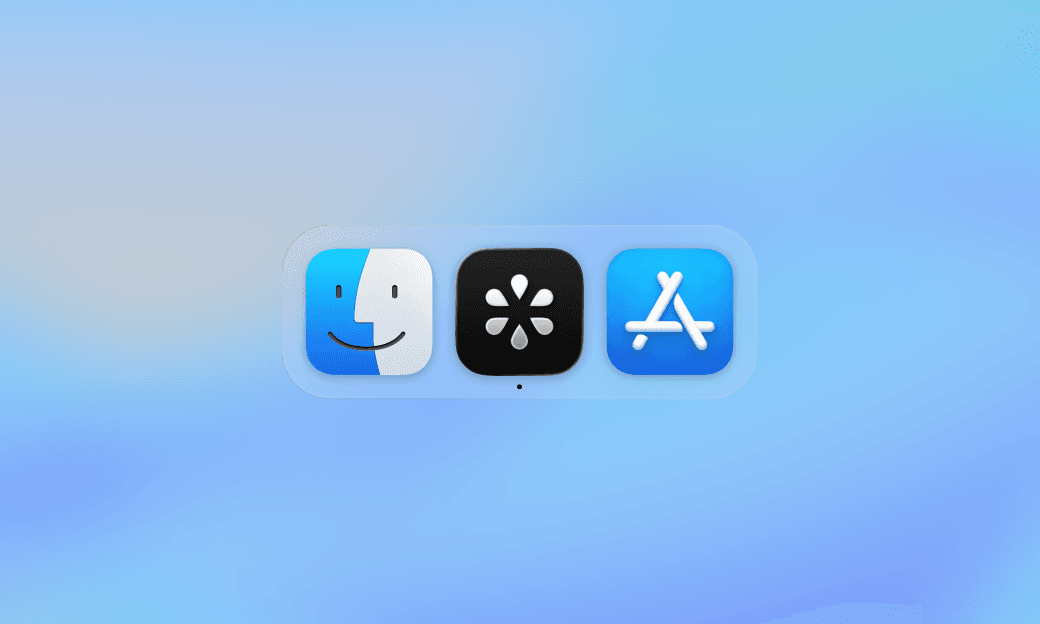
1. Download Scape
Download Scape for Mac. Open the installer, move Scape to Applications, and launch it.
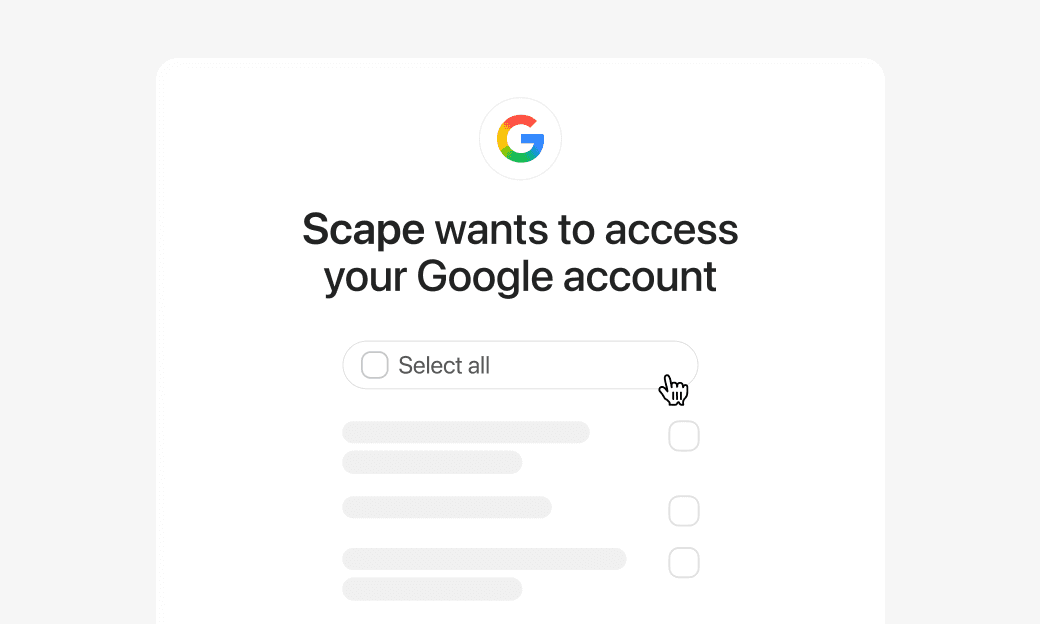
2. Connect your Google account
Sign in with Google and approve the permissions to connect your email and calendar.
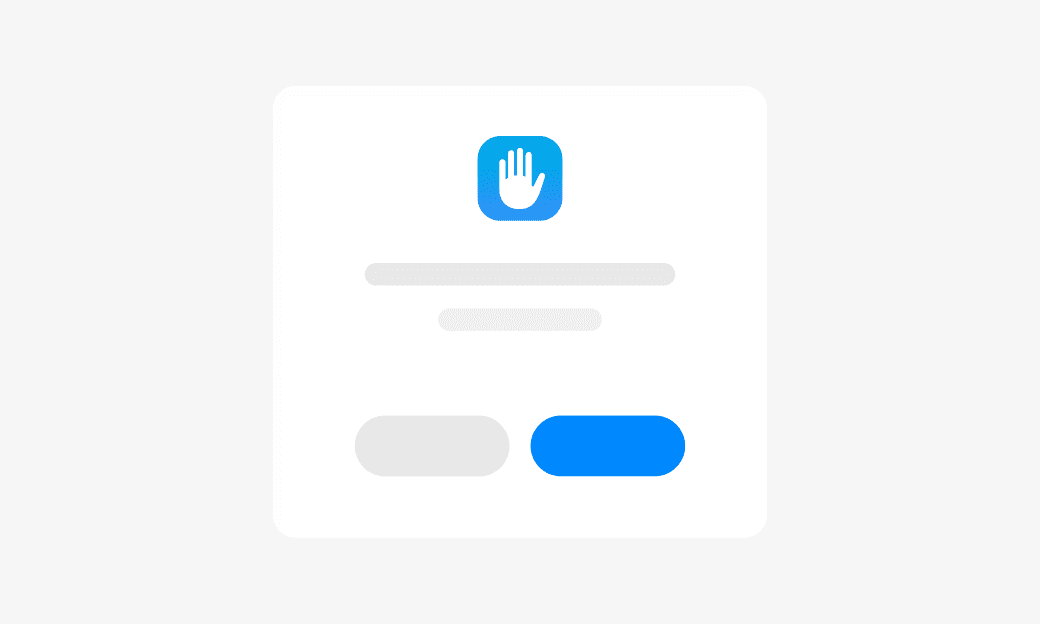
3. Enable meeting permissions
Allow microphone and system audio access so Scape can record and transcribe your meetings.